
Permit Manager 2.0
Start managing your work with permits.
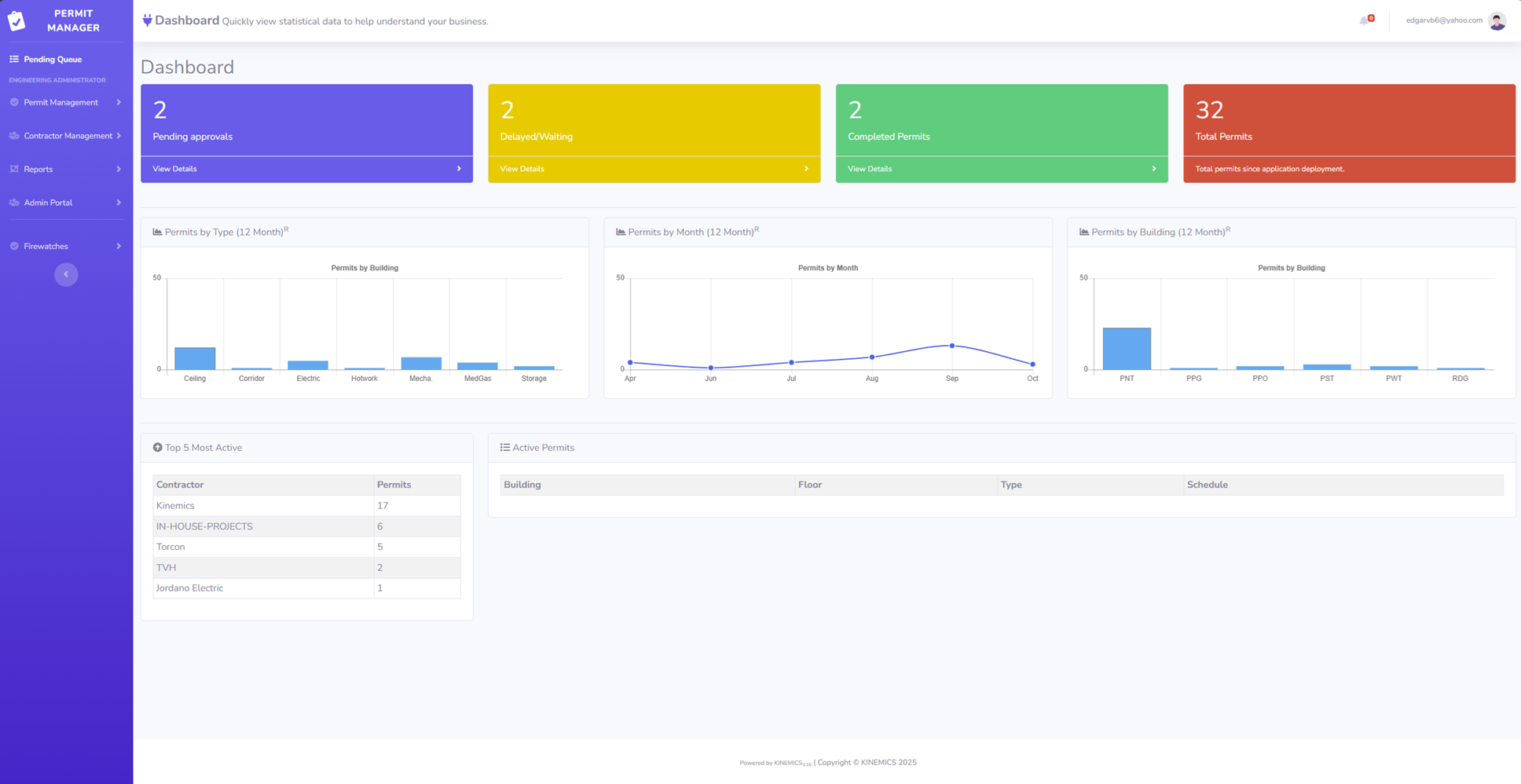
Permit Manager now supports ICRA and Firewatch! Once a request is submitted, the system generates the require ICRA assessment form and Firewatch QRCode.
ICRA Assessment
For me, the most fascinating interface is Twitter. I have odd cosmic thoughts every day and I realized I could hold them to myself or share them with people who might be interested.
Venus has a runaway greenhouse effect. I kind of want to know what happened there because we're twirling knobs here on Earth without knowing the consequences of it. Mars once had running water. It's bone dry today. Something bad happened there as well.

Sample ICRA Permit

Sample Permit
Sample Permit
Hot work permit showing below. Color code your permits to enable easy distinction of the work being performed.
This is a quick example of a hot work permit generated by the permit app.
Firewatch
A firewatch round is automatically created when the permit selection for hot-work and require firewatch are selected.
Upon saving changes, the firewatch round is created ready with a QRCode that would need to be posted on the job site. This ensures that the firewatch is actually conducted as all scans are tracked for validation.
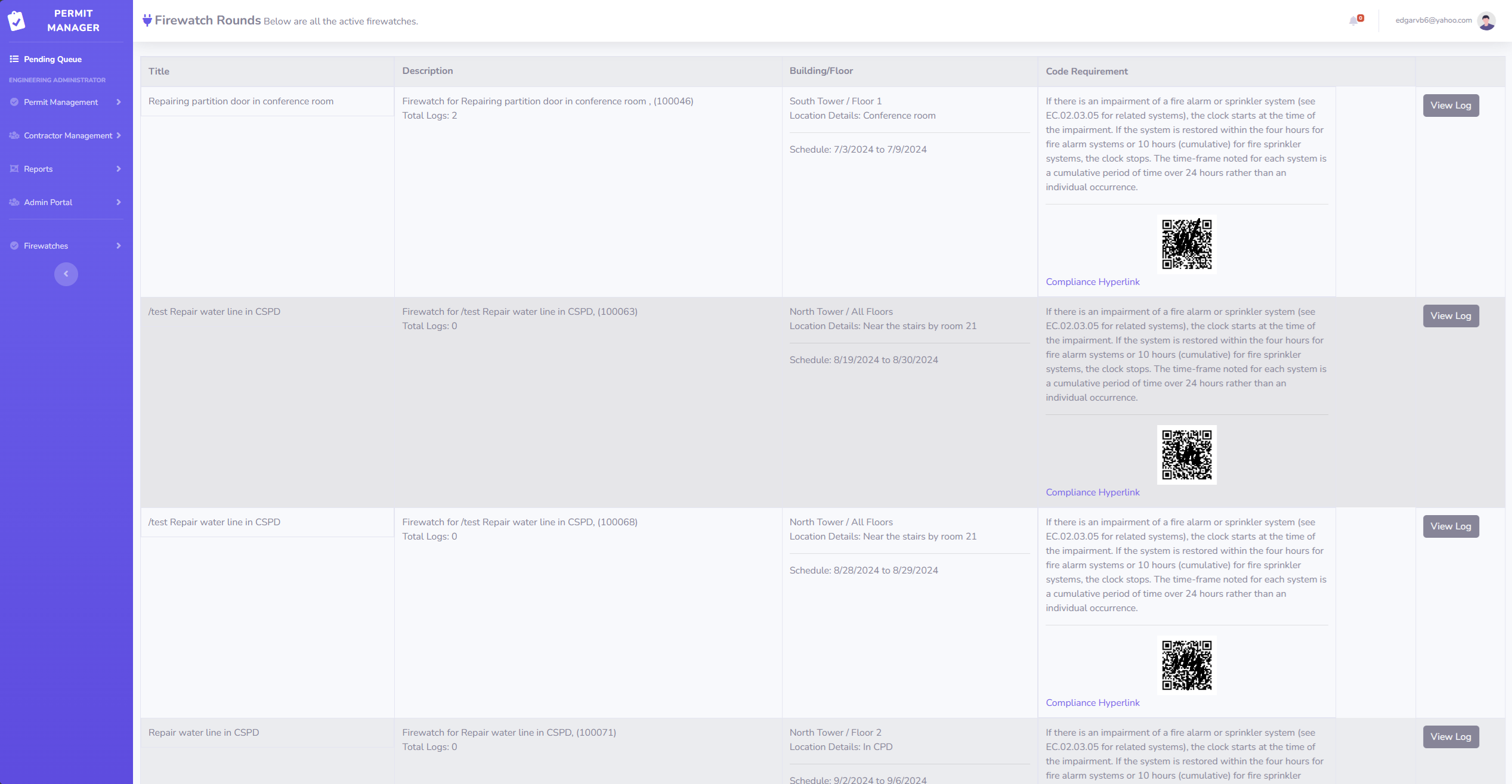
Firewatch
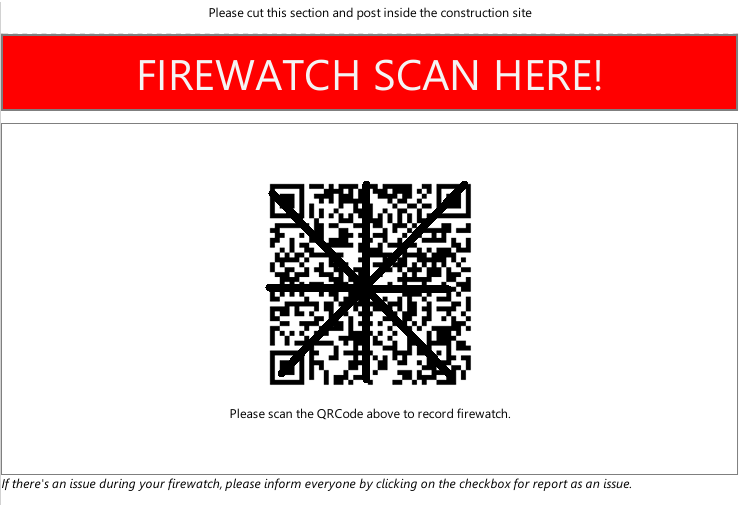
QR Code To Be Scanned
Firewatch QRCode
Track your Firewatch rounds by enabling your staff to scan the QRCode posted within the construction site.
With this feature, you can track whether your staff visited the location when conducting a firewatch. Although a scan is also available from the remote PC, the system tracks how the scan was completed.
How Contractors will Request a Permit
This video will show how a contractor can request a permit from your organization.
How Administrators and Super Users Approve Permits
This video will show how your staff would approve a permit request.
We also touch a little on ICRA and Firewatch, which are part of a permit.