
Space Manager 2.0
Space Manager 2.0 a better way to manage and inventory your buildings.
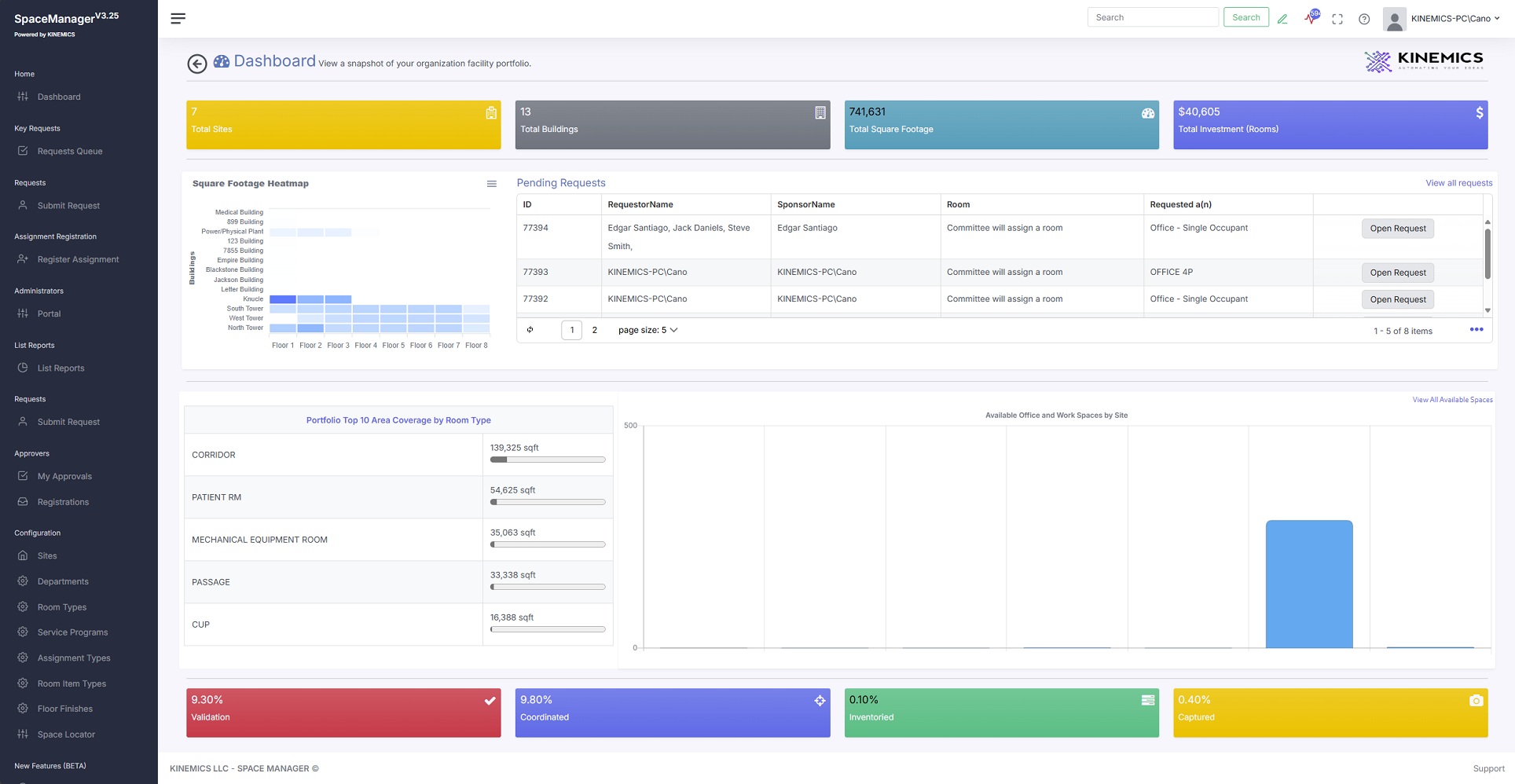
Building floors and room management software emerge as indispensable tools in the ever-evolving landscape of organizations and healthcare facilities. It streamlines the tracking and allocation of space, ensuring that every inch of the facility is utilized optimally. With detailed digital blueprints and real-time updates, this software aids in efficiently coordinating room usage, from scheduling meetings in corporate settings to assigning hospital patient rooms. It can also track maintenance schedules and occupancy rates, reducing the risk of overbooking or underutilization.
- Develop a site structure to help manage efficiently.
- Assign rooms to occupants and touchdown spaces for temporary use.
- Assign rooms as in-house or rented and capture cost per sqft.
- Record space inventory from ceiling types to floor type and everything in between.
- Locate rooms in drawings for ease of browsing or allocating departments in certain areas.
- Generate key requests via CMMS integration.
- Document room condition assessment.
- Allocate rooms by program or service area.
- And much more.
Key Features and Functionalities
- Detailed Inventory Management: One of the standout features of the KINEMICS Space Manager is its ability to conduct a thorough inventory of all utilities and items within a building, floor, or room. This includes everything from furniture and office equipment to electrical and plumbing fixtures. By maintaining an up-to-date record of all assets, the application ensures that nothing is overlooked.
- Real-Time Data Access: The application offers real-time access to data, allowing users to retrieve and update information instantly. This feature is particularly beneficial for large facilities where changes occur frequently, and timely updates are crucial.
- Customizable Reports: Users can generate customizable reports that provide insights into various aspects of their space management. Whether it’s tracking the usage of specific rooms or monitoring the condition of certain utilities, the KINEMICS Space Manager offers detailed analytics to support informed decision-making.
- User-Friendly Interface: The application boasts a user-friendly interface that simplifies navigation and usage. Even users with minimal technical expertise can leverage the full potential of the software without a steep learning curve.
- Integration Capabilities: KINEMICS Space Manager seamlessly integrates with other enterprise systems, ensuring a smooth flow of information across different platforms. This interoperability enhances the overall efficiency of space management operations.
Real-World Applications and Use Cases
- Corporate Offices: For large corporate offices with numerous floors and rooms, the application provides a centralized platform to manage all assets and utilities. It helps in tracking office equipment, furniture, and other resources, ensuring optimal usage.
- Educational Institutions: Schools and universities can benefit from the application by managing classrooms, laboratories, and administrative offices. It aids in tracking educational resources, lab equipment, and maintaining facilities.
- Healthcare Facilities: Hospitals and clinics can use the KINEMICS Space Manager to manage medical equipment, patient rooms, and other critical utilities. This ensures that all assets are available and in good condition when needed.
- Hospitality Industry: Hotels and resorts can leverage the application to manage guest rooms, banquet halls, and recreational areas. It helps in maintaining an accurate inventory of furnishings, appliances, and other amenities.
- Government Buildings: Government offices and public service buildings can use the application to ensure that all facilities are properly managed and maintained. It aids in tracking office supplies, equipment, and ensuring compliance with regulations.
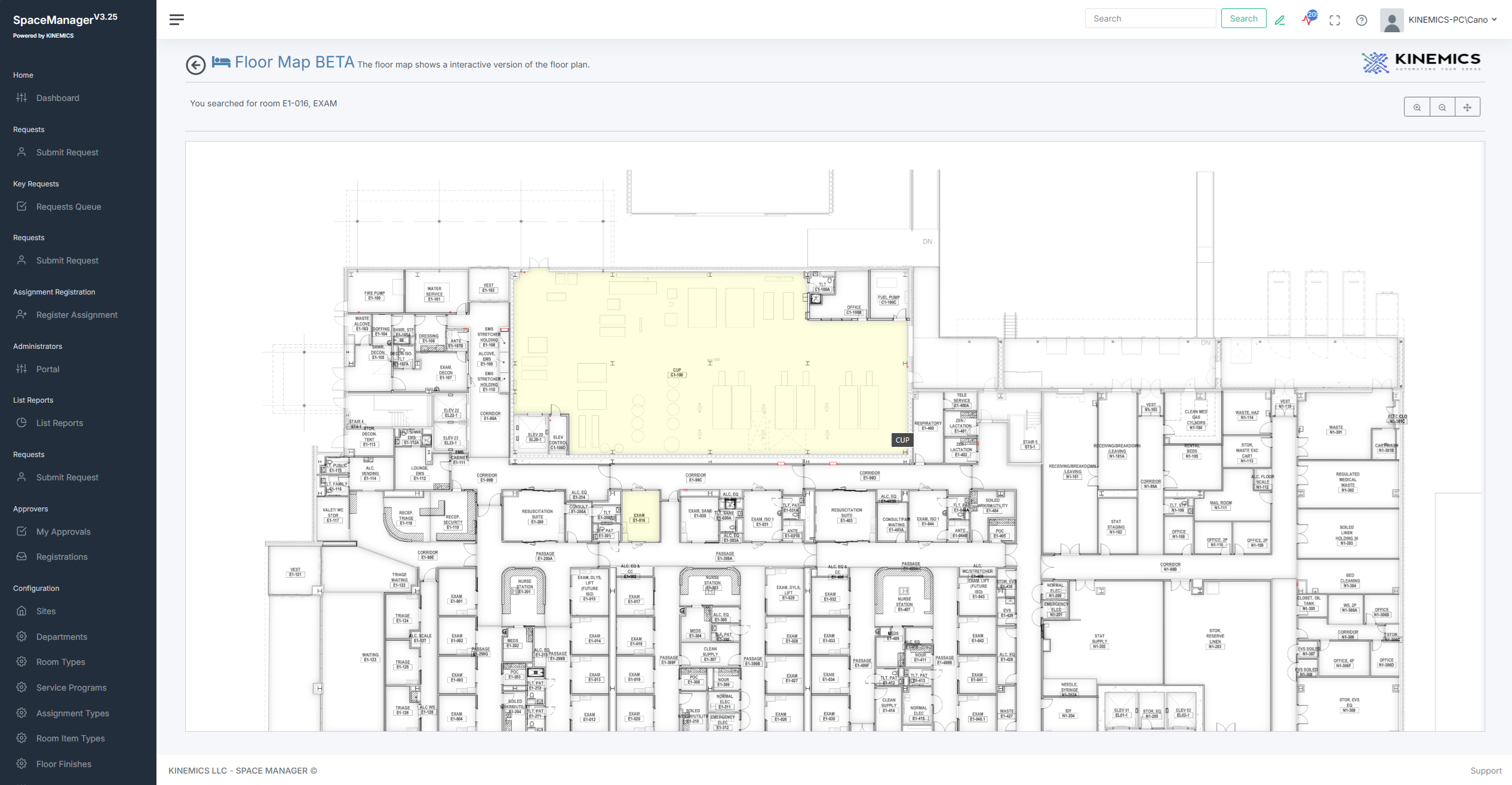
Space Locator Interactive
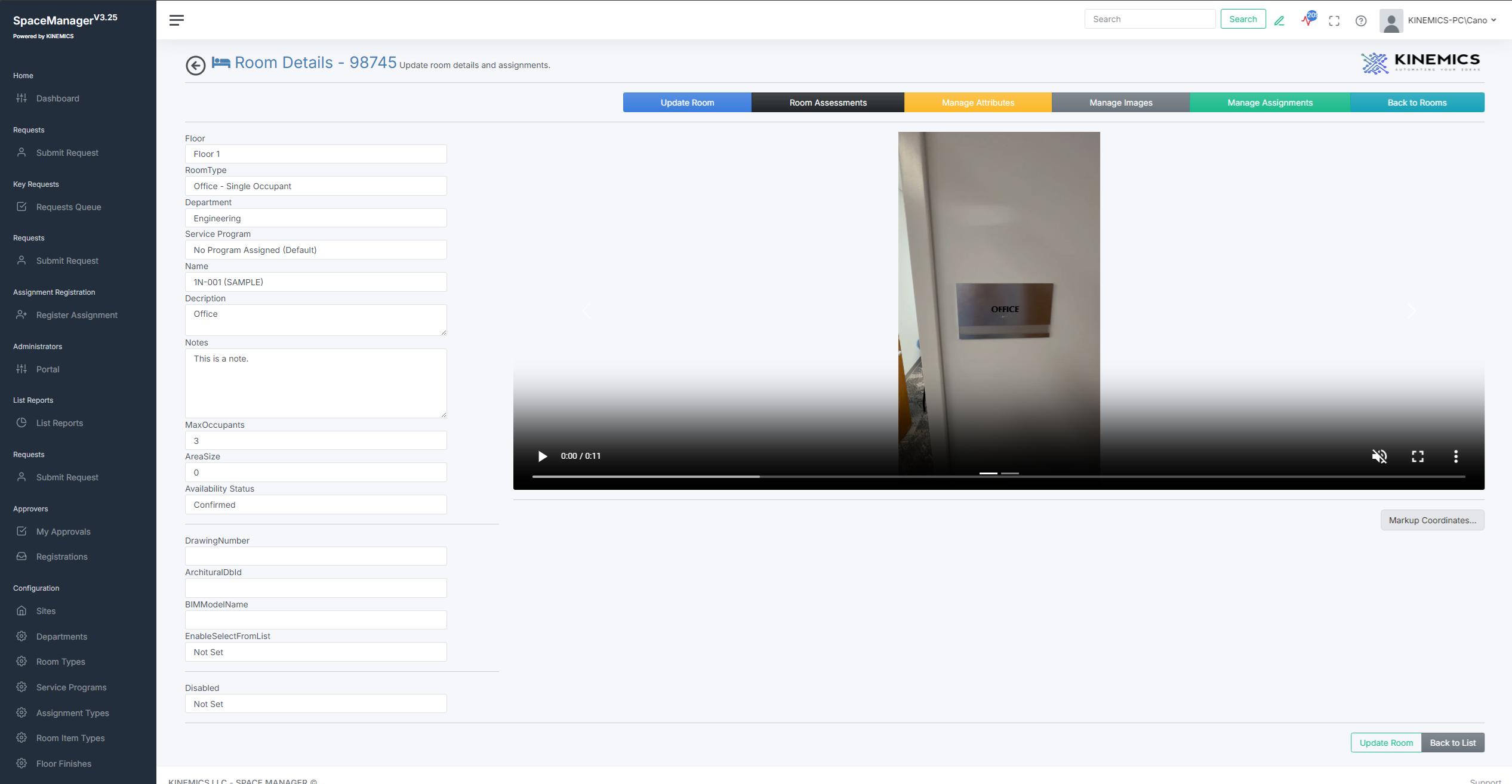
Room Video Page
Capture Videos or Pictures
Capture vides or pictures to document room current conditions or items within the space. When re-assigning a room, just show the room video to make it easier to understand the room in question.
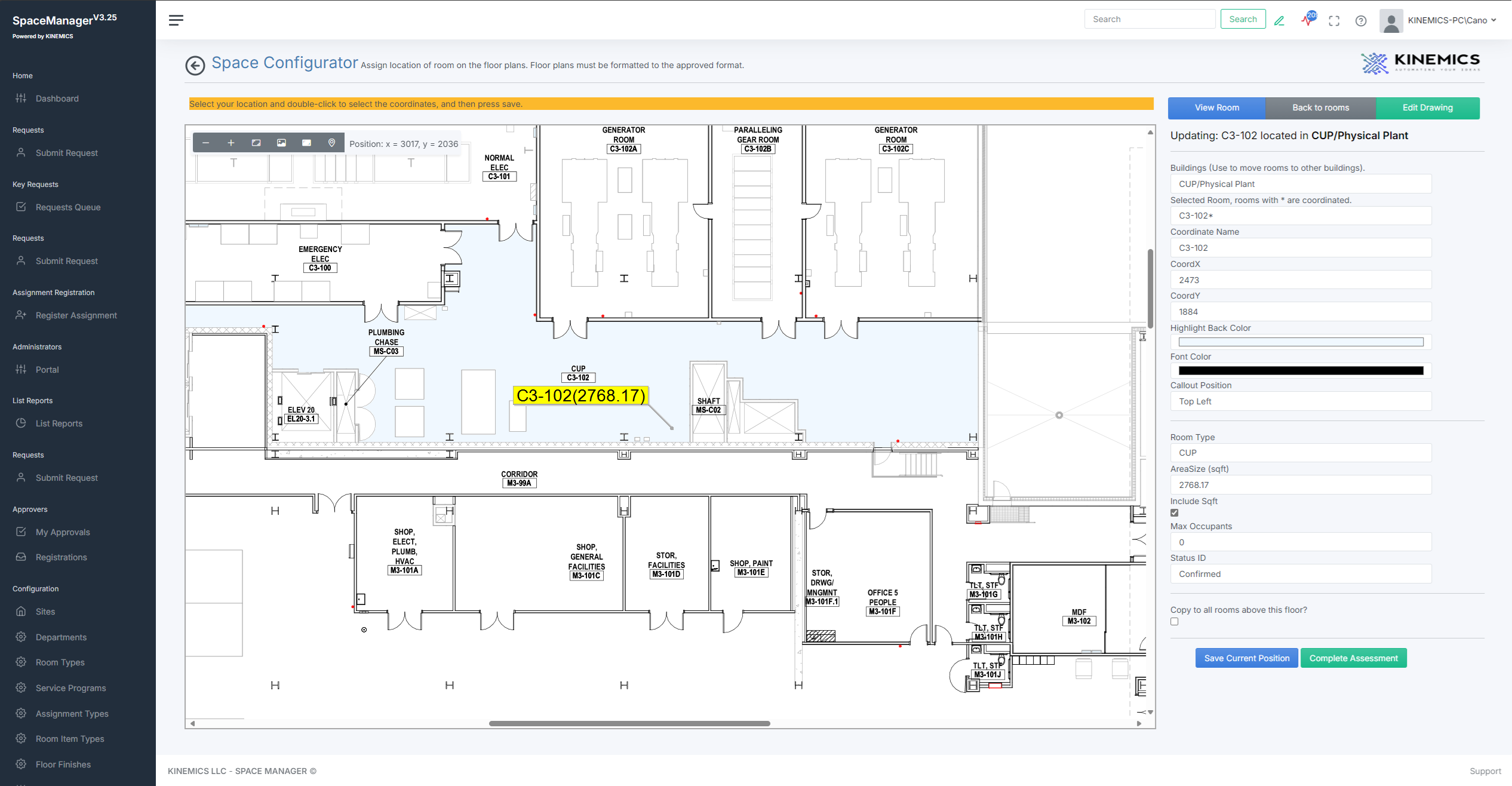
Space Locator
Locate rooms within your drawings and highlight locations and square footage.
Space Locator